

Introduction: Your First Step into Robotics
Have you ever watched a movie or seen a factory floor and wondered how those incredible, tireless metal hands work? That’s a robotic arm. It seems complicated, but the truth is, the basic principles are surprisingly easy to grasp. If you’re a hobbyist, student, or just curious, getting started is the hardest part.
This guide is designed to cut through the complexity. We’re going to break down the entire process so you can finally learn how to build a robotic arm from scratch. Building your own diy robotic arm is a challenging but rewarding robot project. Think of it like a fun, hands-on science experiment that results in a cool gadgets you control. We will walk you through everything, from sketching out an idea to making it move. By the end, you’ll have a solid foundation in the mechanics and programming that powers the fascinating world of robotics. Let’s turn that curiosity into a moving, working reality.
Step 1: The Blueprint and Parts (Conceptualizing Your Arm)

Every great structure starts with a plan, and your robotic arm is no different. You wouldn’t start a road trip without a map, right? The first step in your robotic arm project is figuring out what you want the arm to do. Are you building it just to pick up a feather, or do you need it to move a soda can? This decision defines your entire robotic arm design.
Planning Your Joints and Reach
A robot needs ‘joints’ to move. The simplest arms usually have three main joints, plus a gripper (the hand):
- Base (Rotation): Swivels the entire arm left and right.
- Shoulder (Pitch): Moves the upper arm up and down.
- Elbow (Pitch): Bends the forearm section.
- Wrist/Gripper (The Hand): Opens and closes to grab objects.
For a beginner, a 4-axes arm (three joints plus the gripper) is the perfect starting point. Keep your design simple and lightweight. Sketch it out! Simple drawings help you see potential problems before you even cut a piece of material.
Essential Components List
To build your first arm, you will need a few key pieces of ‘brain’ and ‘muscle’:
| Component | Why You Need It | Beginner Recommendation |
| Microcontroller (The Brain) | Executes the code and sends signals to the actuator. | Arduino Uno (Very common, easy to learn) |
| Actuators (The Muscles) | Motors that move the arm’s joints. | SG90 or MG996R Servo Motors (Cheap and easy to control) |
| Structure (The Skeleton) | The actual physical pieces that form the arm’s shape. | Acrylic or Thick Cardboard/Wood (Can be laser-cut or hand-cut) |
| Power Supply | Provides the energy to run the motors. | External 5V Power Supply (Separate from the Arduino USB) |
| Wiring | Connects the brain to the muscles. | Jumper Wires (Male-to-Male and Male-to-Female) |
Choosing an existing, open-source frame design is a smart move if you want to know how to build a robotic arm without getting bogged down in complex physics calculations right away. This framework helps many people in the robotics industry. You can find many free templates online, often for laser-cut wood or acrylic parts.
Step 2: Building the Body (The Physical Structure)
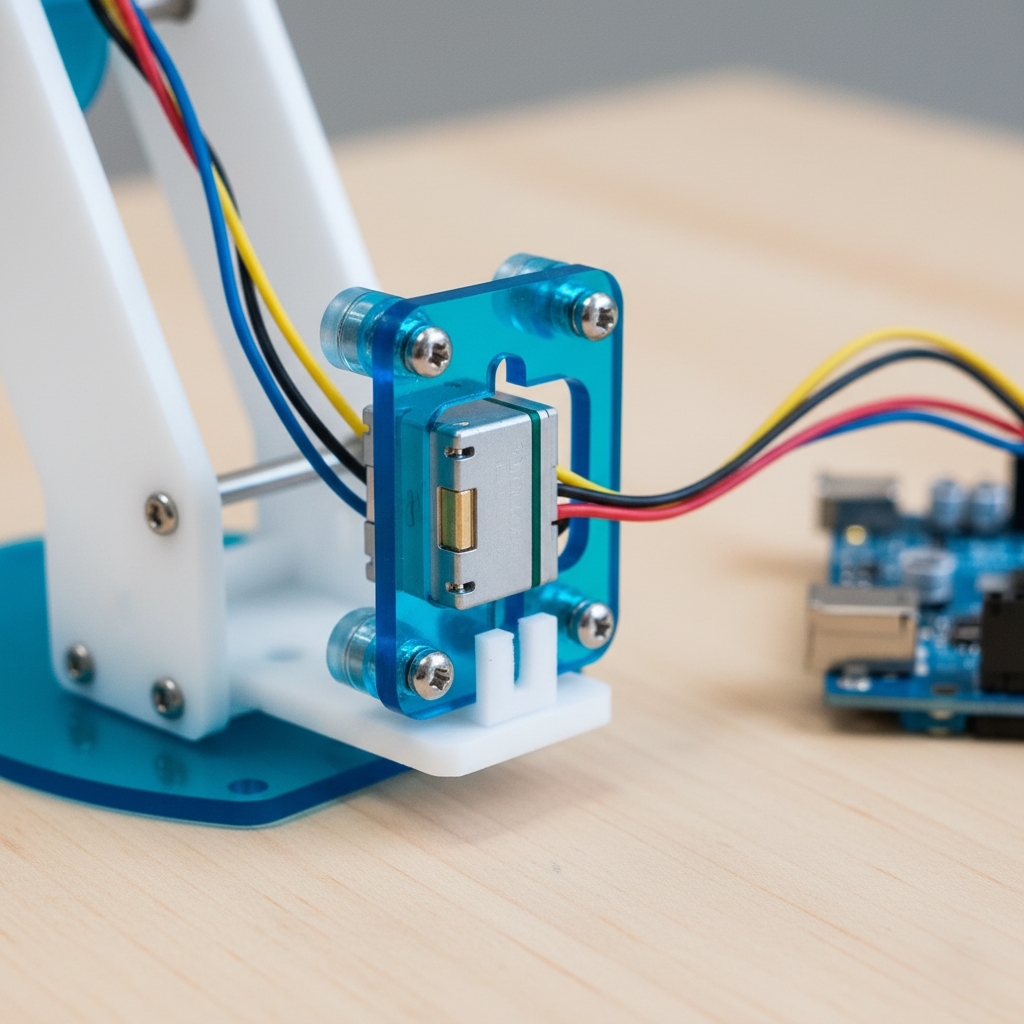
With your parts in hand, it’s time to put the pieces together. Making a robotic arm is largely about connecting the physical structure (the frame) to the moving parts (the motors). This is where your concept starts to feel real, and precision matters! A loose joint means a wobbly arm that can’t grab anything.
The Art of Assembly
Follow the instructions for your specific frame kit, but the general principle is the same:
- Attach Servos to the Frame: Servo motors come with small screw holes. You need to securely fasten them into the corresponding parts of your arm’s frame (wood, plastic, or metal). The articulated mechanism of the servo is what creates the joint.
- Link the Joints: Once the servo is attached, its horn (the small plastic piece that rotates) needs to be fixed to the next section of the arm. This is how the motion is transferred. For example, the shoulder servo’s horn attaches to the forearm piece.
- Secure the Gripper: The gripper mechanism is crucial. Ensure the two ‘fingers’ of the claw open and close freely when the dedicated gripper servo moves. This servo often has a linkage that translates its rotation into a linear squeezing motion. It acts as the end effector.
- Create a Sturdy Base: The base must be heavy and wide enough to prevent the whole arm from tipping over when it reaches out. The furthest reach is the moment of greatest stress, so make sure your base is super stable.
Important Tip: Do not force-screw any parts. If things don’t align perfectly, check your orientation. Remember that these small servo motors are precise; they are not built to handle brute force assembly. The goal is to keep the structure light, but stiff. Any flex in the arm will cause errors in your control system later. Getting the structure right is essential for learning how to make a robotic arm that actually works predictably.
Step 3: Wiring and Powering (Connecting the Brain to the Muscles)

This is the electronics phase. You’ve got a sturdy frame; now you need to bring it to life by connecting the ‘brain’ (the Arduino) to the ‘muscles’ (the motors). When you are figuring out how to construct a robotic arm, proper wiring is the difference between a functional device and a pile of unresponsive parts. Getting the power right is particularly important for achieving repeatability in movement.
The Three Wires of the Servo
Each servo motor has three wires, and you need to connect them correctly:
- Signal (Usually Yellow or White): This wire tells the servo what position to move to. It connects to a Digital Pin on the Arduino.
- Power (Usually Red): This provides the energy needed to turn the gears. It connects to the Positive terminal of your power supply.
- Ground (Usually Brown or Black): This completes the circuit. It connects to the Ground (GND) terminal of your power supply and a GND pin on the Arduino. This process is common in industrial automation setups.
Connection Checklist
For a 4-axis arm (4 servos), here’s a simple checklist:
- Power Supply Hookup: Connect all the Red wires from the four servos to the positive (+) terminal of your external power supply (e.g., 5V, 2A).
- Ground Connection: Connect all the Brown/Black wires from the four servos to the negative (-) terminal of your external power supply. CRITICAL: Run a wire from the Arduino’s GND pin to the power supply’s negative terminal. This is called common ground and is necessary for the signals to work.
- Signal Wires to Arduino: Connect the Signal wires (Yellow/White) from each of the four servos to separate Digital Pins on the Arduino, for example:
- Base Servo → Digital Pin 9
- Shoulder Servo → Digital Pin 10
- Elbow Servo → Digital Pin 11
- Gripper Servo → Digital Pin 12
Warning on Power: Do not try to power all four servo motors directly from the Arduino’s 5V pin. The Arduino cannot supply enough current, and this can damage your board or cause your arm to behave erratically. An external power supply is non-negotiable for a reliable how to build a robotic arm project.
Step 4: Writing the Code (Giving Your Arm a Brain)
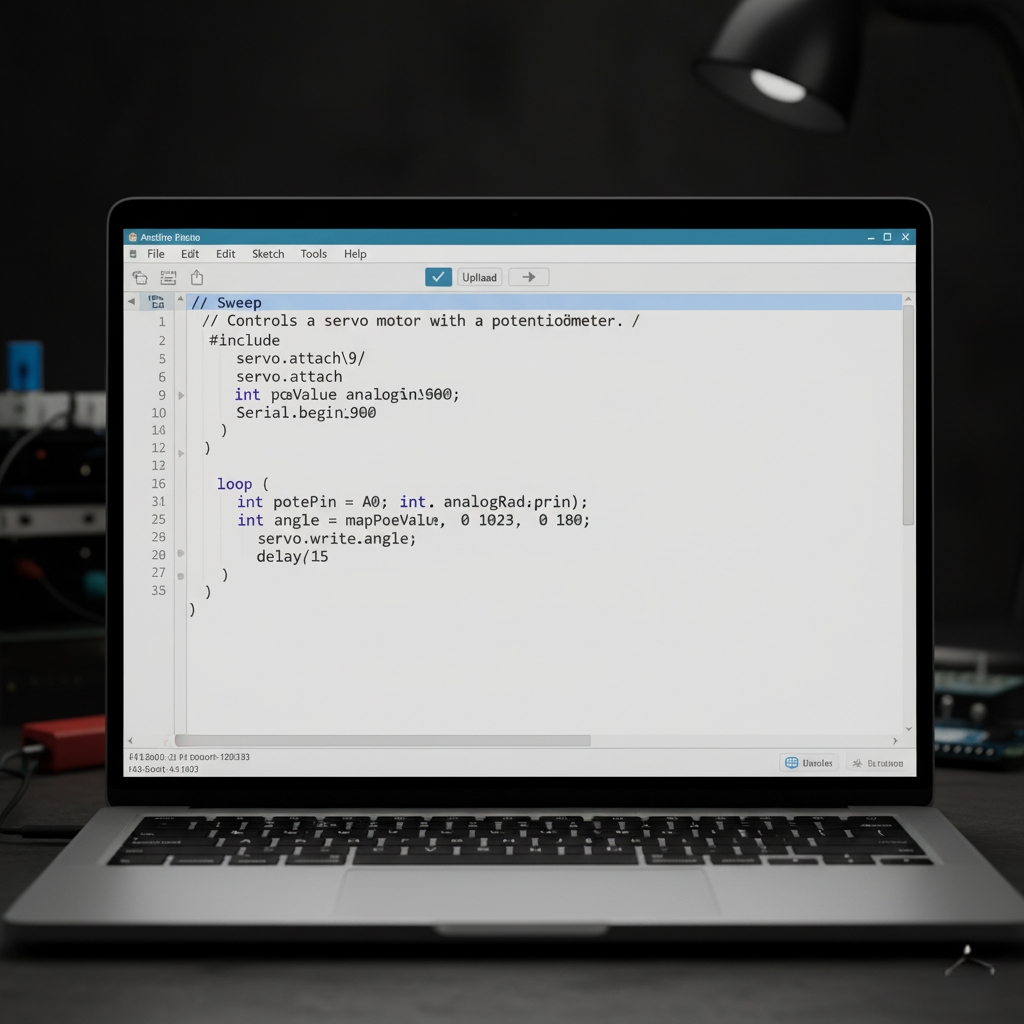
The physical structure is the body, but the code is the brain. This is where you tell the motors what to do, and when to do it. Learning how to create a robotic arm requires understanding that code translates your wishes into physical movement. For beginners, the Arduino environment makes this surprisingly easy, mostly thanks to the built-in Servo library. This is a simple form of robot programming.
Understanding Servo Control
Servo motors are controlled by sending them a “signal” (the signal wire you connected). This signal is a specific electrical pulse that tells the motor exactly what angle to move to, usually between 0 and 180 degrees of freedom.
Here is a simple example of the code you would write in the Arduino IDE to control one of your arm’s joints:
include <Servo.h> // 1. Include the Servo library
Servo baseServo; // 2. Create a Servo object for the base
void setup()
{
baseServo.attach(9); // 3. Connect the object to the Arduino Pin 9
}
void loop()
{
// 4. Tell the servo to move to an angle (in degrees)
baseServo.write(90); // Move the base to a centered position (90 degrees)
delay(1000); // Wait for 1 second
baseServo.write(0); // Move the base to the left (0 degrees)
delay(1000); // Wait for 1 second
baseServo.write(180); // Move the base to the right (180 degrees)
delay(1000); // Wait for 1 second
}
Programming All Joints
You simply repeat the steps above for every servo:
- Create a separate
Servoobject (e.g.,shoulderServo,elbowServo,gripperServo). attach()each object to its specific digital pin (10, 11, 12, etc.).- In the
loop()or in a specific function, use the.write()command to set the angle for each joint.
Your first programs will likely involve simple sequences, like “move shoulder, then move elbow, then close gripper.” This sequential thinking is the core of how to build a robotic arm from a programming standpoint, and it’s a great skill to develop. This skill is foundational to advanced concepts like inverse kinematics.
Step 5: Testing and Control (Bringing Movement to Life)

You’ve built the body and uploaded the first brain signals. The final step is testing, calibration, and adding interactive control. When you undertake an automated robotic arm project, you must test every movement to ensure it’s safe and accurate. This focus on precision is key to quality in industrial robotics.
The Calibration Check
Before you make the arm move, you need to know its limits. Sometimes, a motor’s 0-degree angle doesn’t match the physical limit of the arm, which can cause the motor to strain and burn out.
- Start with the Code: Set all your joints to their middle position (e.g.,
servo.write(90);) in the setup code. - Physical Alignment: When the arm holds this 90-degree position, check the frame. If a joint looks stressed or misaligned, loosen the horn screw, manually adjust the arm piece to a level position, and re-tighten the screw.
- Test Limits: Run a simple test from 0 to 180 degrees. If the arm hits a physical stop before the code reaches 0 or 180, adjust the range in your code (e.g., you might find the base can only safely move between 20 and 160 degrees).
Adding Interactive Control
A pre-programmed sequence is fun, but true control comes from the ability to tell the arm where to go in real time. The easiest way to achieve this is by using Potentiometers (small knobs or dials).
The potentiometers connect to the Arduino’s Analog Pins. As you turn a knob, the Arduino reads a different voltage value (a number between 0 and 1023). You simply write a line of code to map this analog value to the servo’s 0-180 degree range. This is a basic robot control method.
This setup transforms your device. Now, you’re not just watching a loop; you’re manually controlling a device. This hands-on experience is key to understanding how to build a robotic arm that can perform useful tasks, such as a simple pick and place operation. By controlling it this way, you gain the intuitive feel for movement that professionals use every day.
Conclusion
You’ve successfully completed the journey from a simple idea to a functional machine. By following the five steps—from blueprinting to building, wiring, coding, and finally testing—you have learned the fundamental skills of robotics.
This experience in how to build a robotic arm is more than just a cool gadget; it is a practical lesson in mechanical engineering, electronics, and programming all rolled into one. You now understand how the physical world of structure meets the digital world of code. The arm you built is a tangible representation of your ability to tackle complex problems.
Keep experimenting with different controls, heavier loads, and more complex movement paths. This is only the beginning of your exciting robotics projects adventure!
Key Takeaways
- Plan First: A simple sketch and component list (servos, Arduino, frame) must precede any assembly. Choose lightweight, stiff materials for the arm’s structure. This includes considering the payload capacity.
- External Power is Essential: Do not try to power the motors from the Arduino. Use an external 5V power supply and ensure you connect a common ground between the supply and the Arduino.
- Structure Matters: A wobbly joint or loose screw will ruin accuracy. Securely mount all servo motors to create stiff, reliable joints.
- The Servo Library is Your Friend: Use the Arduino Servo library to easily control the motors by writing angle values (0-180 degrees). This makes the arm easily programmable.
- Calibration is Key: Before running any sequence, calibrate the 0 and 180-degree limits of each joint to prevent motor strain and ensure you know how to build a robotic arm that operates safely.
Frequently Asked Questions (FAQ)
Plan your initial cost by selecting common beginner components for your **how to build a robotic arm** project.