Introduction: The Fusion of Sight and Motion
Have you ever watched a factory robot assemble a tiny phone part or seen a self-driving car navigate heavy traffic and wondered, “How does it know what to do?” The answer lies in the powerful combination of Robotics and Machine Vision.
Robotics and Machine Vision is the foundation of modern automation. Robotics gives a machine a physical body, strength, and movement, while machine vision gives it the ability to perceive and interpret the world. Think of it this way: a blind robot can follow fixed rules (move A to B), but a robot with machine vision can adapt, find item C, and move it to location D, even if item C is slightly tilted or hidden.
This comprehensive guide starts with the absolute basics, clarifies common misconceptions, and builds your knowledge step-by-step toward mastering advanced topics like artificial intelligence and sophisticated programming. By the end, you will feel guided and supported in understanding the entire ecosystem of Robotics and Machine Vision.
What is the difference between robotics and automation?
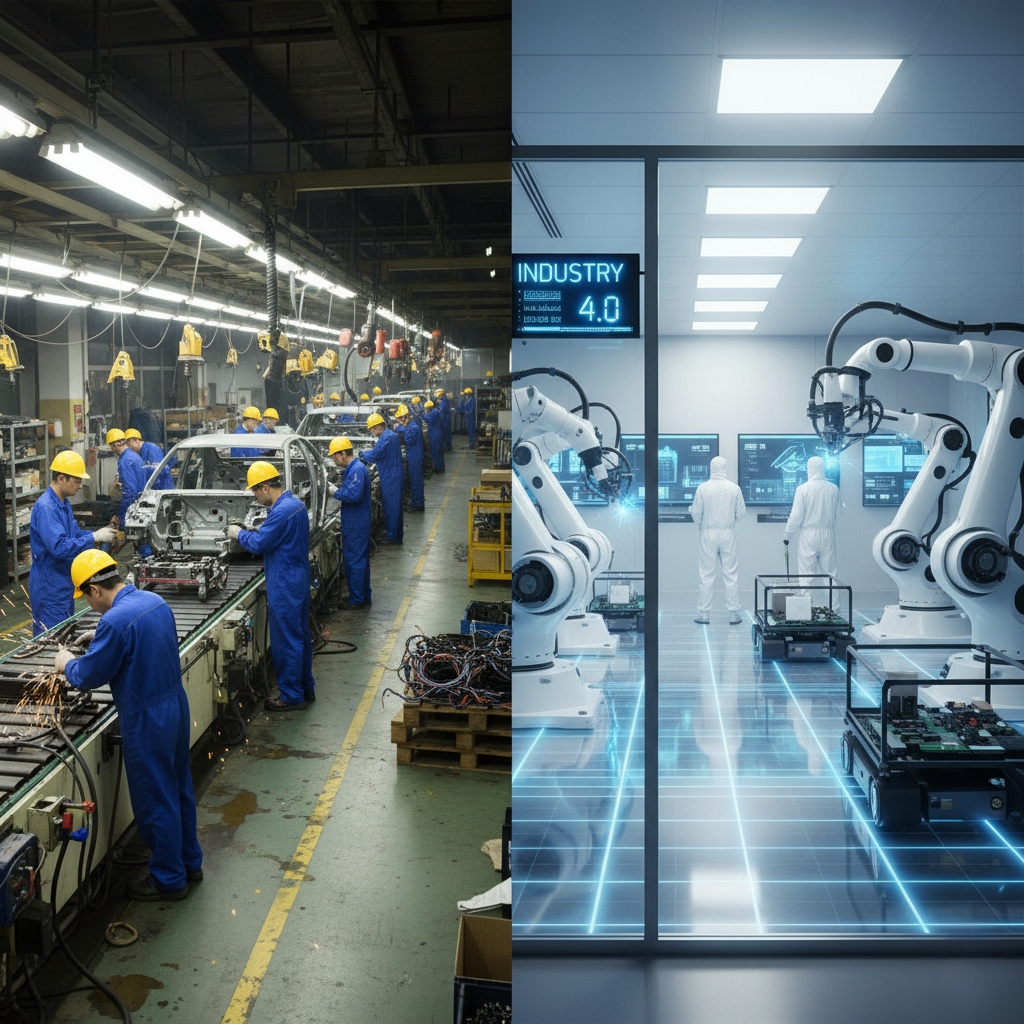
People often use the words robotics and automation as if they mean the same thing, but they are actually different. Think of automation as the big umbrella, and robotics as one important part of what’s under that umbrella.
- Automation is a very broad idea. It’s about using technology to make a process or task happen on its own, with little or no human help. This can be anything from a simple thermostat that turns on the heat when it gets cold, to a complex software program that sorts thousands of emails. The goal of automation is always the same: to make a process more efficient, repeatable, and less prone to human error. It can be physical, like an assembly line, or digital, like a computer script.
- Robotics is a specific branch of automation that deals with physical machines called robots. These robots are usually programmable, can perform a series of actions, and interact with the physical world. A robot is a tangible thing you can touch and see. For example, a robotic arm in a car factory that welds a car door is a great example of robotics in action. While this arm is a part of the bigger automated process of building a car, the arm itself is the robot. So, all robots are a type of automation, but not all automation involves robots.
This table clearly outlines the difference:
| Feature | Automation (Broad Term) | Robotics (Specific Subset) |
| Physicality | Software-based or fixed mechanical system (e.g., conveyor) | Requires a physical, moving machine with joints |
| Complexity | Simple fixed logic (e.g., PLC control) | High; involves complex real-time control and Kinematics |
| Flexibility | Fixed—performs one job reliably | High—can be reprogrammed for different tasks (e.g., welding then packaging) |
| Core Components | Basic mechanical parts or simple circuits | Actuators, Sensors, and advanced Embedded systems |
The AI vs. Robotics Debate: Brain vs. Body
Another common confusion is the distinction between intelligence and the physical machine, often framed as AI vs robotics.
- Robotics (The Body): This is the physical machine, the hardware, the joints, and the power supply. A traditional robot simply follows pre-programmed instructions
- AI (The Brain): This is the cognitive software—the algorithms that enable the machine to learn, reason, and adapt. If a robot is truly autonomous, it uses Machine learning models for its decision-making
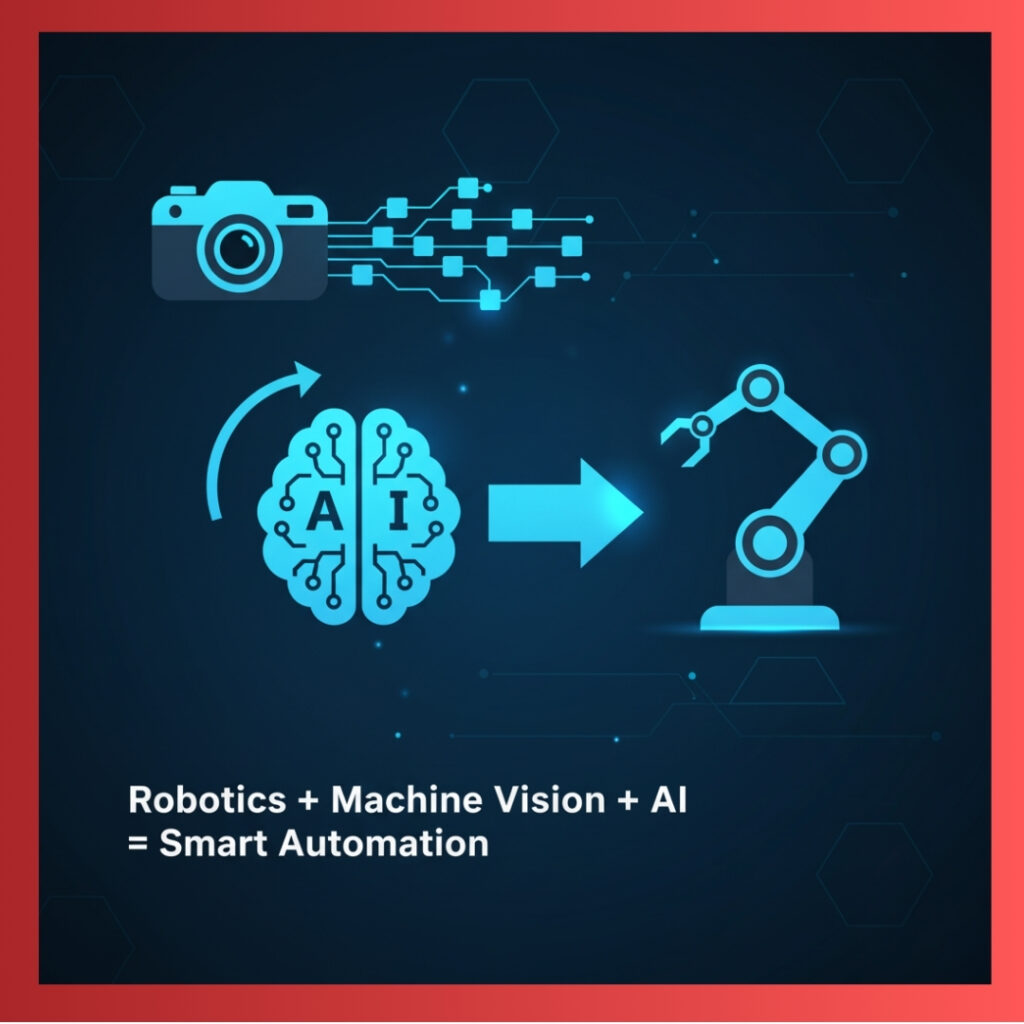
The goal of modern Robotics and Machine Vision is to fuse the two. The robot provides the body (mobility and manipulation), and the AI provides the smarts (perceiving and deciding).
Types of Industrial Robots
- Articulated Robots: These are the most common industrial robots, with joints that look like a human arm. They are highly versatile and are used for everything from welding to assembly.
- SCARA Robots: Known for their speed and a special movement pattern that’s great for “pick and place” tasks, like putting small parts onto a circuit board.
- Delta Robots: These are the fastest of the bunch, with a spider-like design perfect for very quick sorting and packaging jobs.
- Collaborative Robots (Cobots): This is a new type of robot designed to work safely alongside humans without the need for large safety fences. They are ideal for shared tasks and are becoming popular in small businesses.
The Core Components (Hardware Fundamentals)
Every single robot, from the largest Industrial robots to the smallest DIY robot arm, has three essential functional parts. Understanding these parts is your first major step in Robotics and Machine Vision.
3 Essential Parts You Need to Build a Robot
- 1. The Brain (The Embedded Systems): This is the central control unit. It receives data, runs code, and sends commands. Simple Robotics projects for beginners often use microcontrollers. . The quality of the Embedded systems determines how fast the robot can think and react.
- 2. The Muscles (The Actuators): These are the motors, pistons, and devices that convert electrical energy into physical motion. They are the components that let the robot grab, walk, or spin. . We use precise Actuators for high-accuracy movement.
- 3. The Senses (The Sensors): These components gather information about the environment. This includes cameras, distance finders, touch plates, and encoders. Sensors provide the necessary input for the robot’s brain to make decisions.
How-To: Selecting the Brain for Your First Project
Choosing the right brain is vital for success in Robotics and Machine Vision.
A major decision for beginners is choosing the microcontroller for robotics. Do you need an Arduino or a Raspberry Pi?
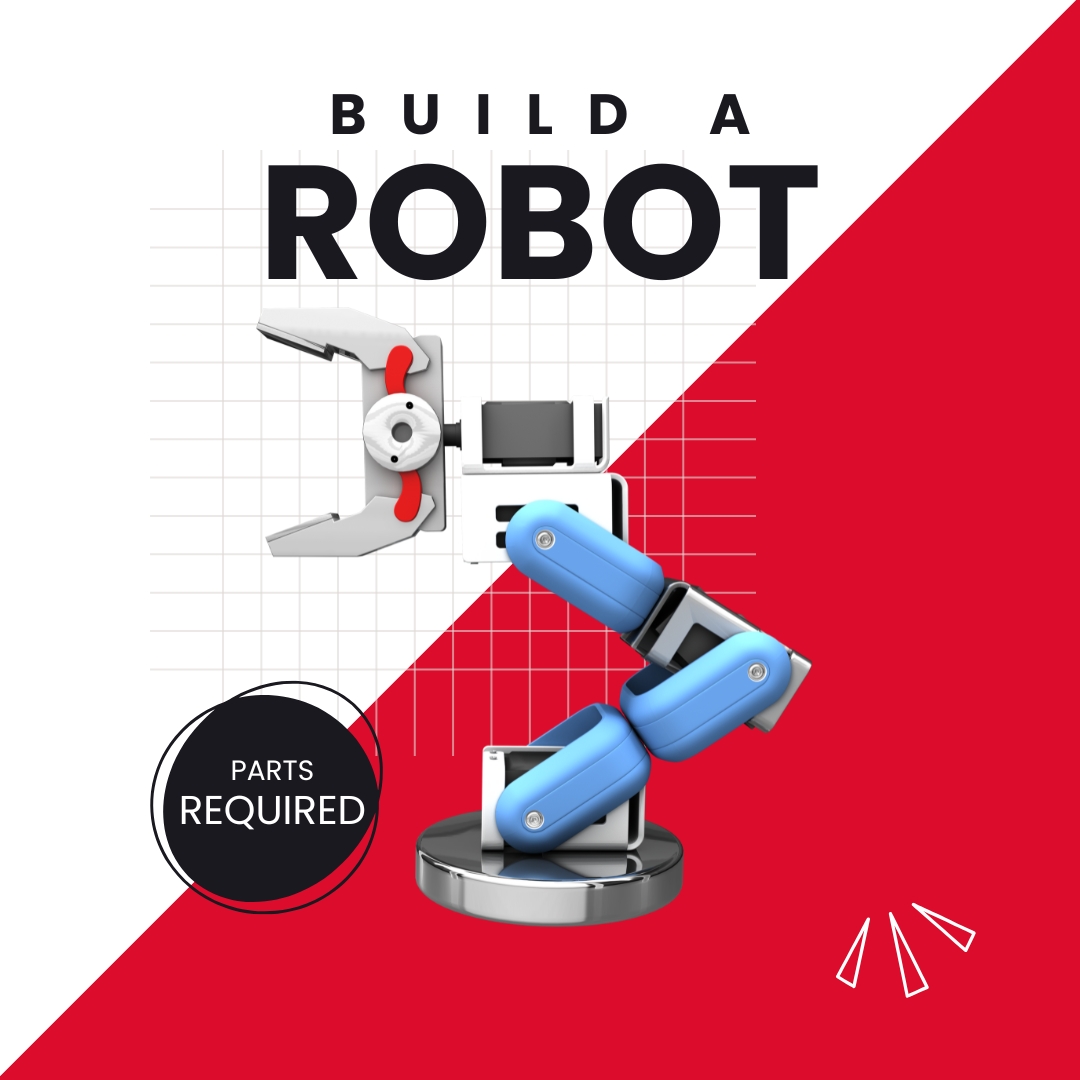
Steps to configure:
Arduino (Best for Beginners/Control): This is a simple, robust Embedded systems perfect for learning basic control loops, reading simple Sensors, and commanding Actuators. It is ideal for line followers or basic obstacle avoidance
Raspberry Pi (Best for Advanced AI/Vision): This is a full single-board computer, necessary when you need to run complex operating systems, deploy sophisticated Python scripts, and manage heavy computational tasks like Computer vision
For your first DIY robot arm, starting with an Arduino to control the Actuators and then integrating a Raspberry Pi later for the camera system is a common pathway to advanced Robotics projects for beginners.
Understanding the Geometry of Motion (Kinematics)
When you tell a robot arm to move its hand to a spot, it doesn’t just guess; it uses math called Kinematics. Kinematics is the study of how the joints and links of the robot determine the position of its end-effector
The Embedded systems runs two types of calculations:
- 1. Forward Kinematics: If I know all the joint angles, where is the hand? This is used to continuously track the robot’s current position
- 2. Inverse Kinematics: I want the hand here (X, Y, Z). What angle does each Actuators need to turn? This is the core challenge in robot programming, as there can be multiple solutions for the same position
Mastering this geometric thinking is the core of Computational thinking in robotics, a vital skill taught through Educational robotics.
Machine Vision Fundamentals
A machine can only be truly useful when it can see and understand its environment. This ability is where machine vision comes in. The whole purpose of Robotics and Machine Vision is to allow the robot to adapt based on what its Sensors report.
How Do Robots See? The Four-Step Vision Pipeline
How do robots see? It is a structured process that transforms light into decision, all happening in milliseconds
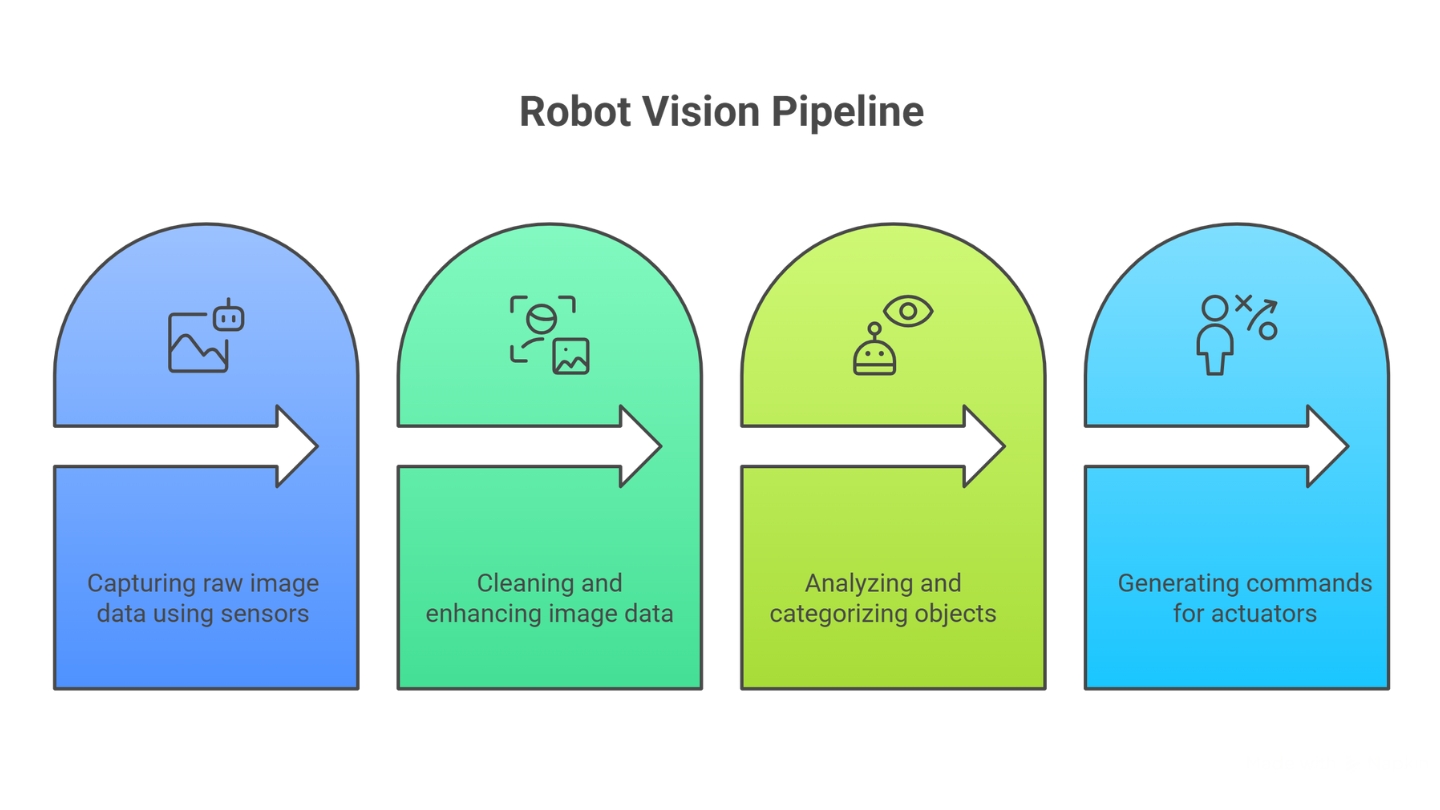
Four Steps are:
Sensing (Capture): The camera Sensors capture raw image data (a grid of pixels) and specialized lighting ensures the image is consistent
Image Processing (Cleanup): The Embedded systems quickly runs mathematical filters on the raw data. This Image processing step cleans up noise, sharpens edges, and corrects for lens distortion, ensuring the data is reliable for the AI
Computer Vision (Understanding): Specialized software (using Machine learning models) analyzes the cleaned image to identify and categorize objects—”that is a cup,” “that is a person,” “that is a scratch”
Decision-Making: The Embedded systems takes the interpretation from the Computer vision software and calculates the precise commands for the Actuators
Future Outlook: From Factories to Healthcare
The future of robotics is exciting and will move far beyond factories. The future of robotics in healthcare is especially promising. Robots are already being used to assist in surgeries, providing surgeons with a level of precision that is impossible with the human hand alone. They can also help with patient rehabilitation and deliver medicines.
Another area is logistics. We see computer vision applications at work in warehouses, where robots use vision to sort and pack items for shipping. This is just the beginning. Soon, we will see robots in our everyday lives, from cleaning our homes to delivering packages.
The combination of robotics, machine vision, and artificial intelligence is not just a passing trend. It is a fundamental shift in how we approach work, quality, and problem-solving. It is a field full of opportunities for those who are ready to learn and adapt.
Key Takeaways
- Industrial Automation is the broad concept of using technology to make processes automatic.
- Robotics is a specific part of automation that uses physical machines (robots) to perform tasks.
- Machine Vision is how robots “see” and interpret visual data, allowing them to perform complex tasks like quality inspection.
- Artificial Intelligence, particularly machine learning, acts as the “brain,” enabling systems to learn from data and make smart decisions.
- The rise of these technologies is not just for large companies; robotics for small businesses is more accessible than ever before.
FAQ
Industrial Automation ROI Calculator
See how **robotics** and **industrial automation** can impact a business’s productivity and cost savings. Enter your numbers below to see the potential benefits.
Yearly Labor Cost:
Years to Break Even:
Total Savings in 5 Years:
*This is a simplified model. Actual results can vary based on maintenance, programming, and other operational costs. This calculation is for educational purposes only.